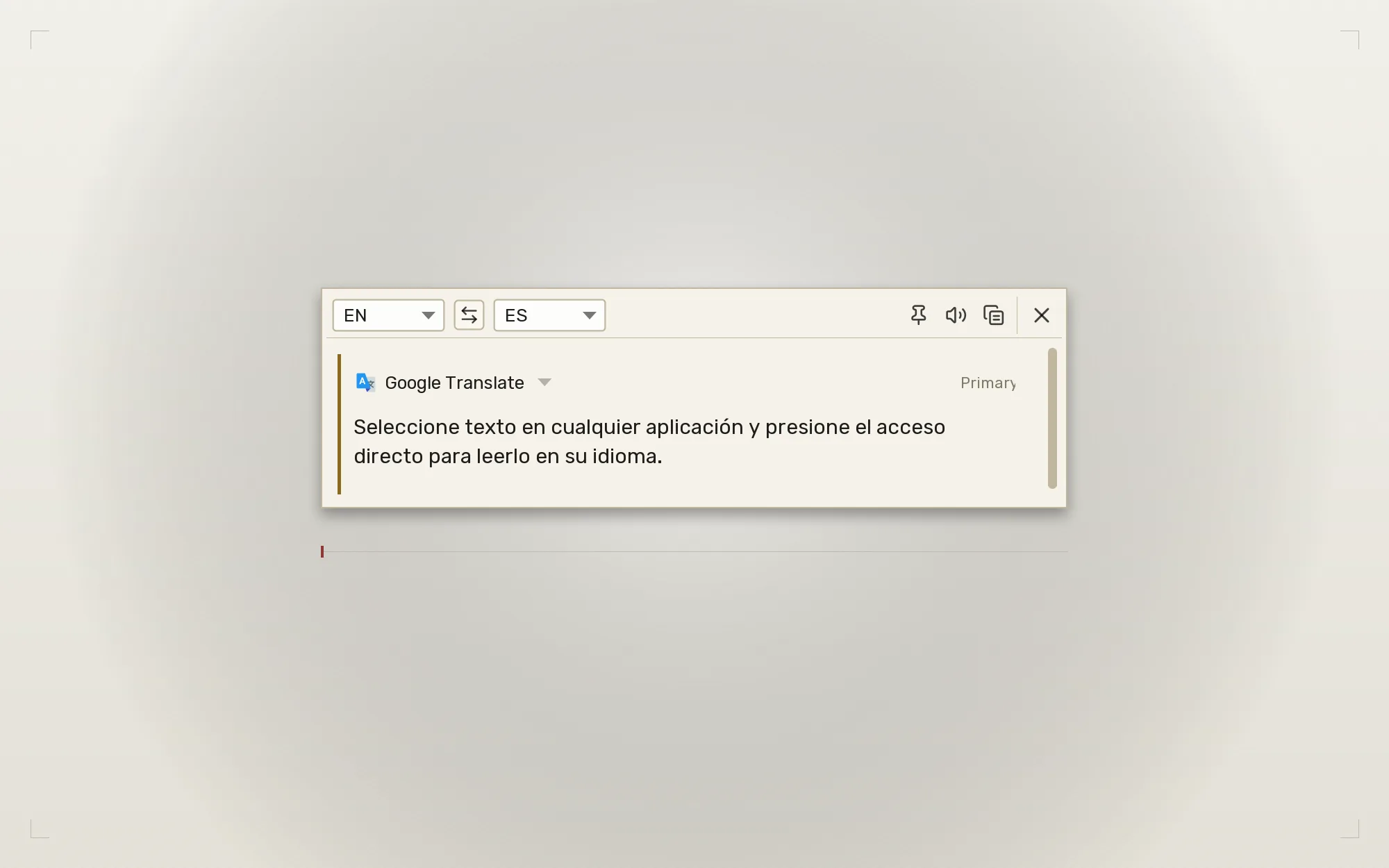
A free, open-source desktop translation tool for Windows, macOS, and
Linux. Select text anywhere, press Ctrl+Q, and the
translation appears. No browser tab needed.
Now availableQTranslate 1.5.0 · September 29, 2026
A familiar workspace, with more ways to work.
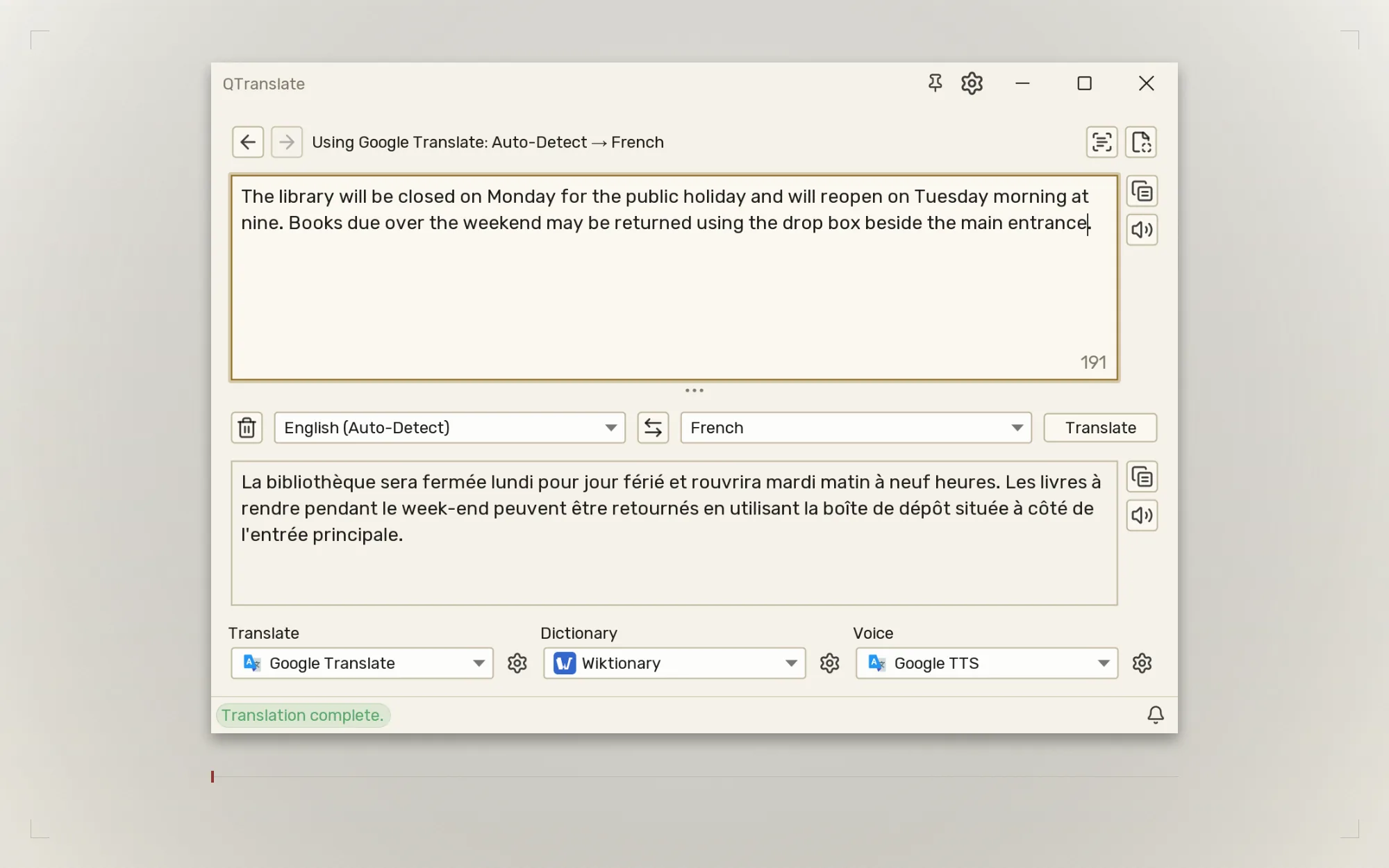
Version 1.5.0 keeps the original QTranslate's fast service switching
and adds parallel comparison, offline system tools, and more control
over the workspace. Download it above for Windows, macOS, or Linux.
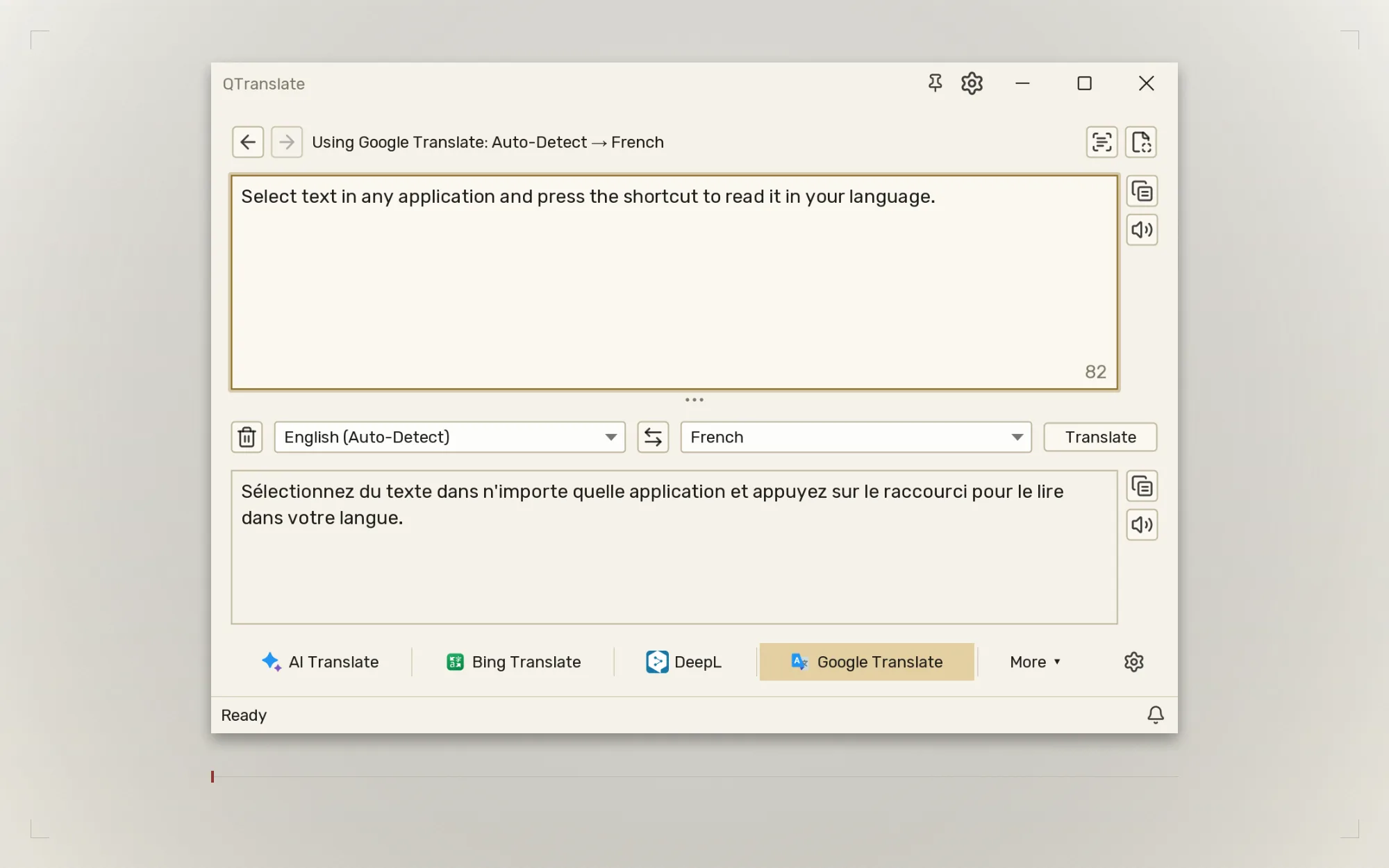
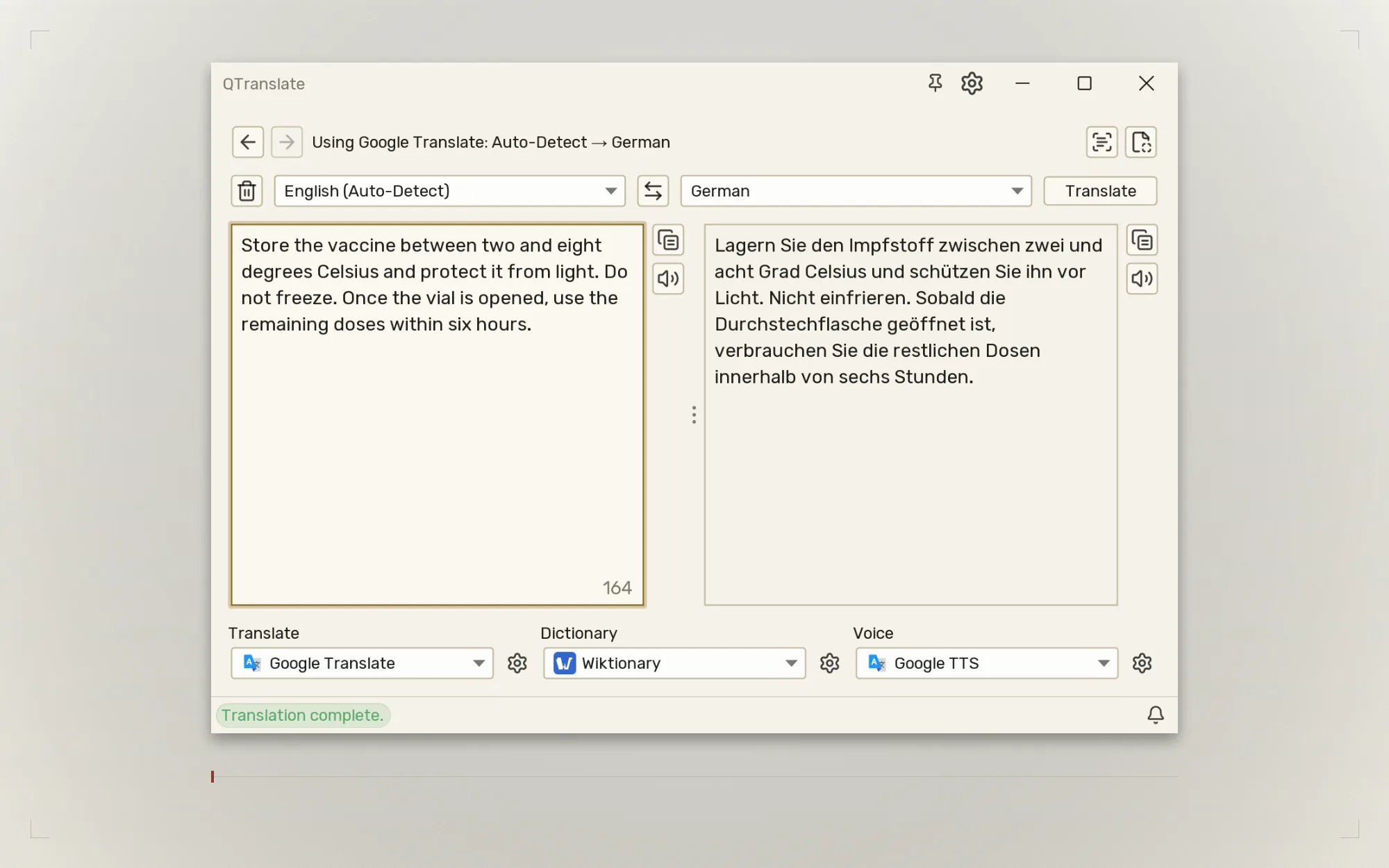
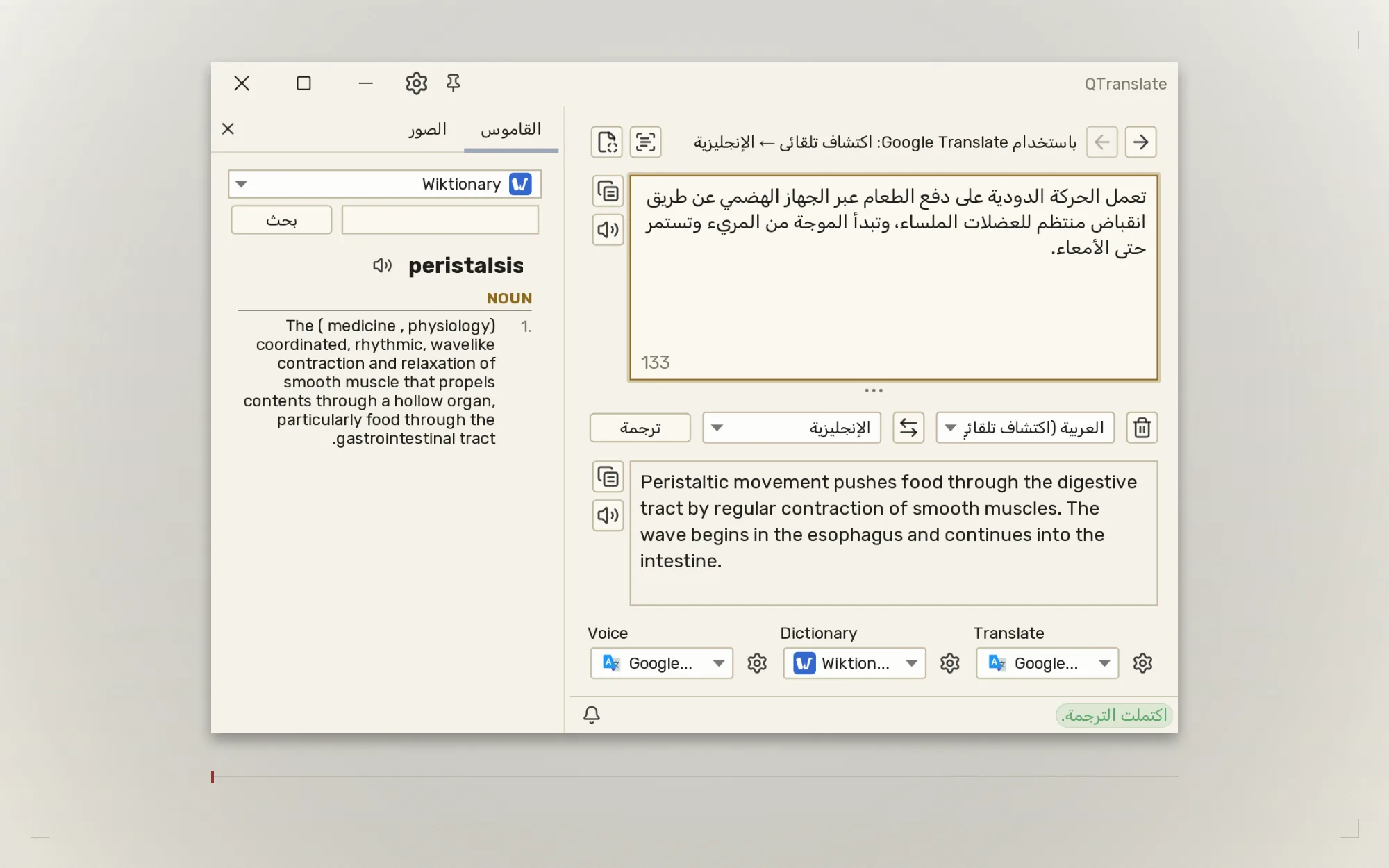
Classic service tabs stay visible across the width. More holds the services that do not fit, and the gear stays separate.
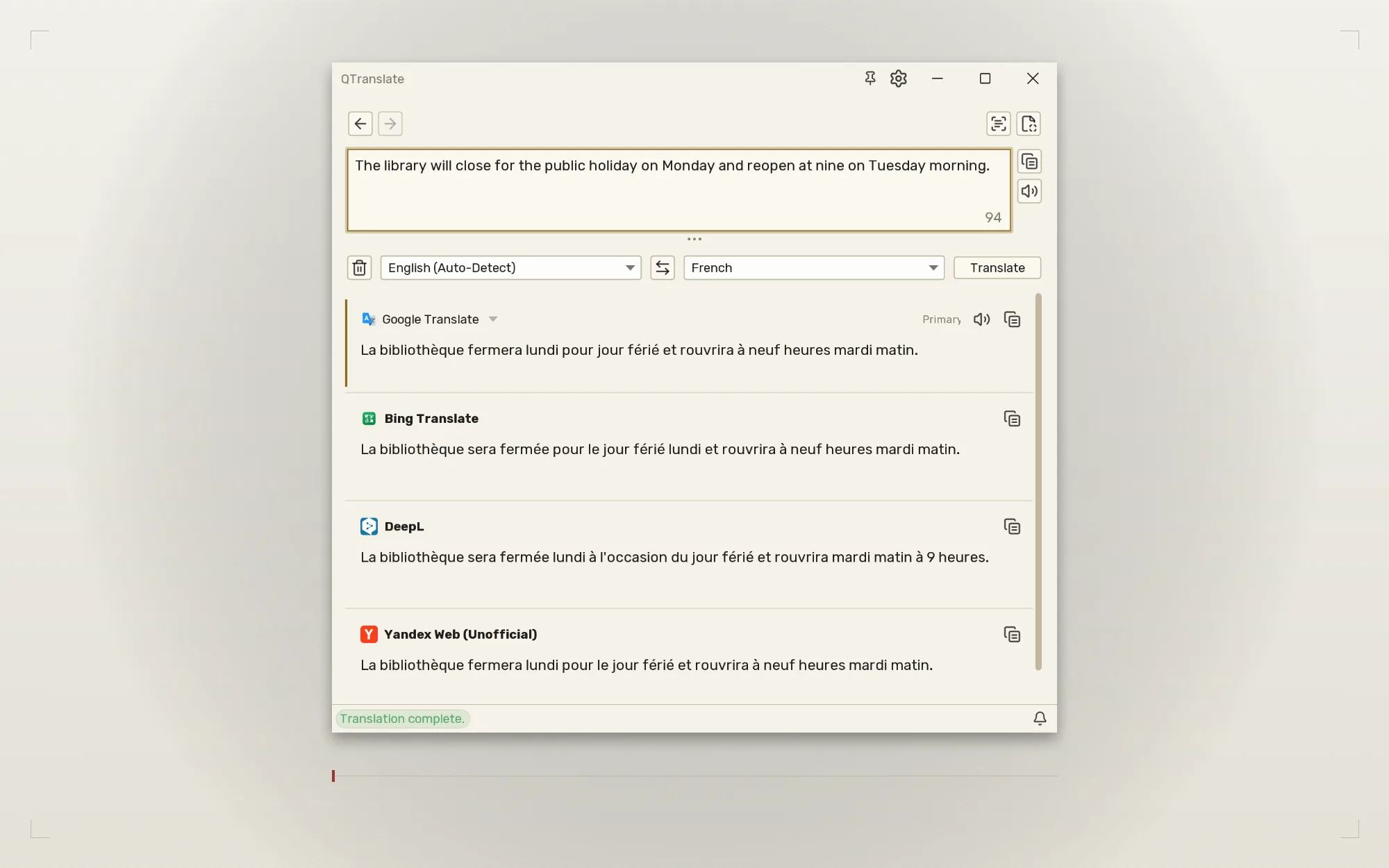
Compare translations
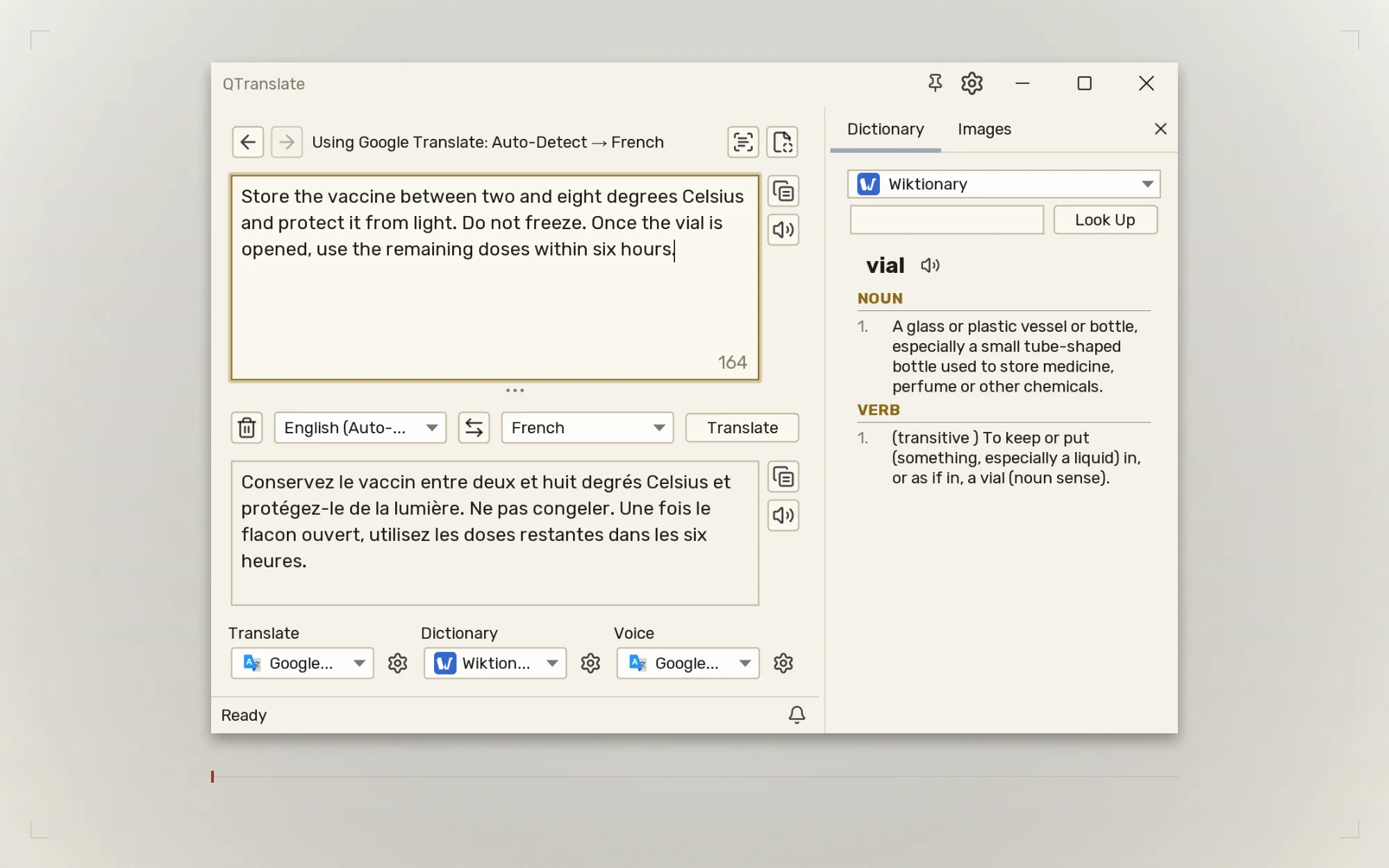
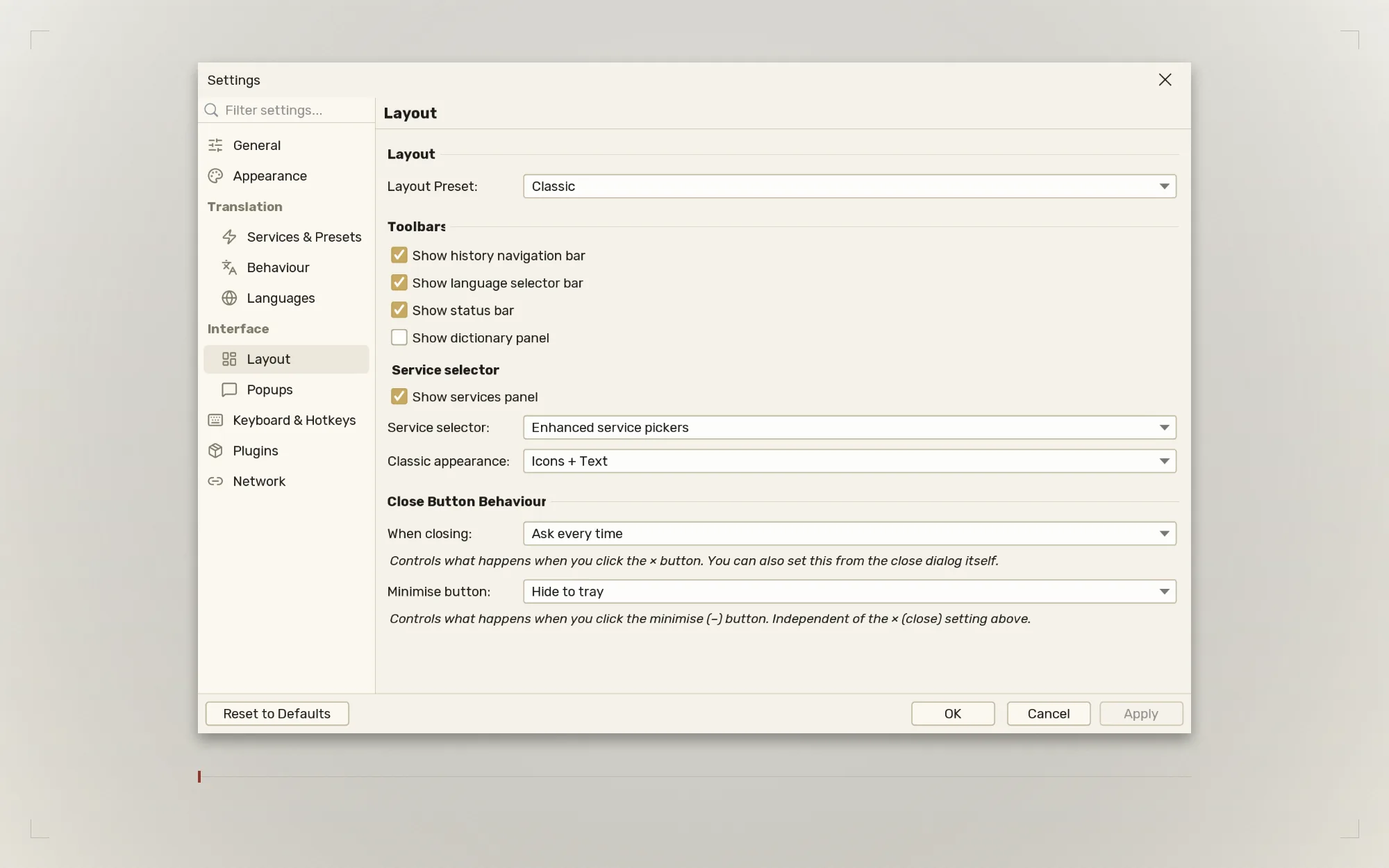
Build one ordered translator set and read the results together in the new Comparison layout. Classic and Side by Side remain; Comparison replaces Compact.
Use your computer's own tools
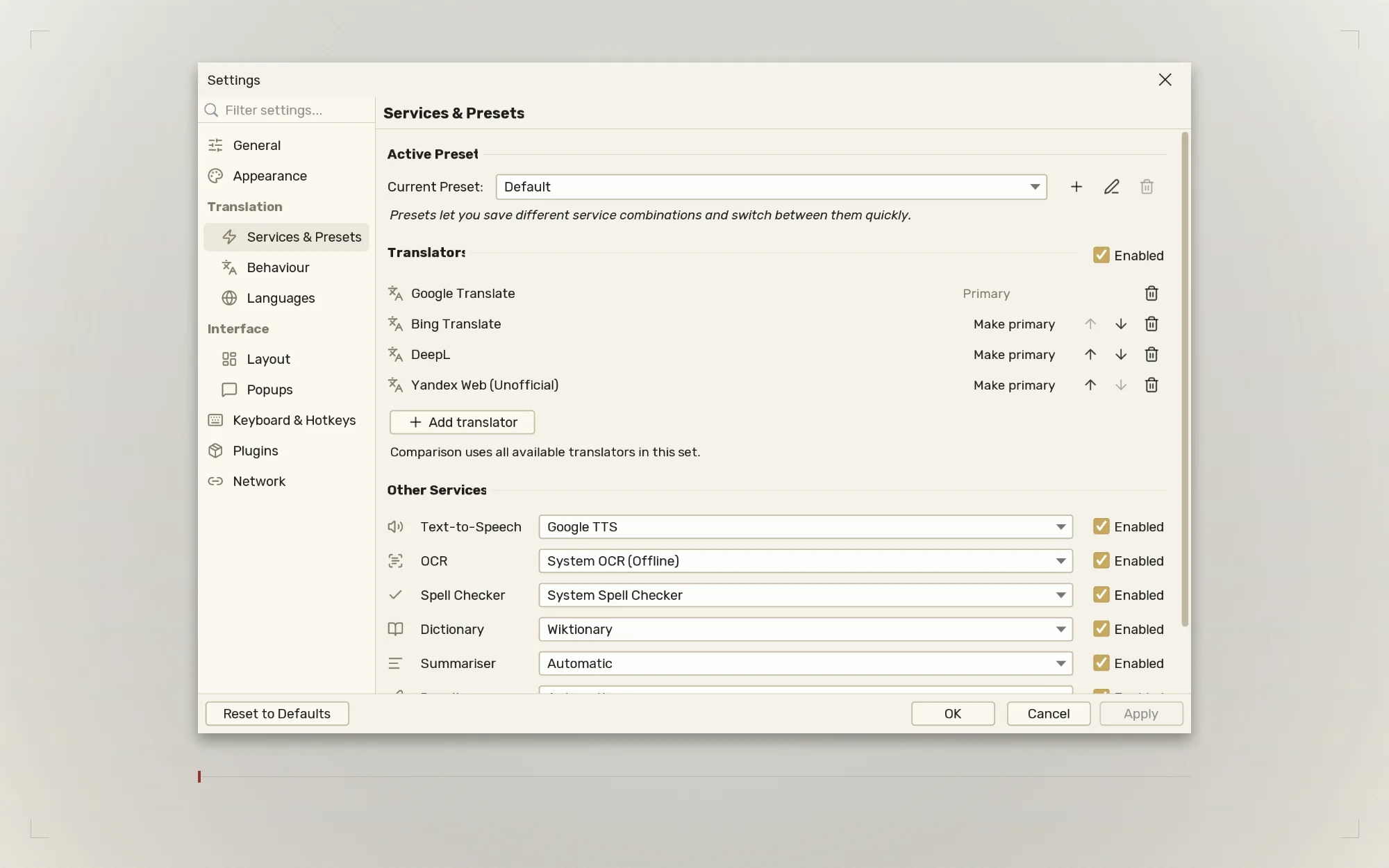
System Services brings offline OCR, speech and spell checking. Windows and macOS include the engines; Linux uses installed system tools.
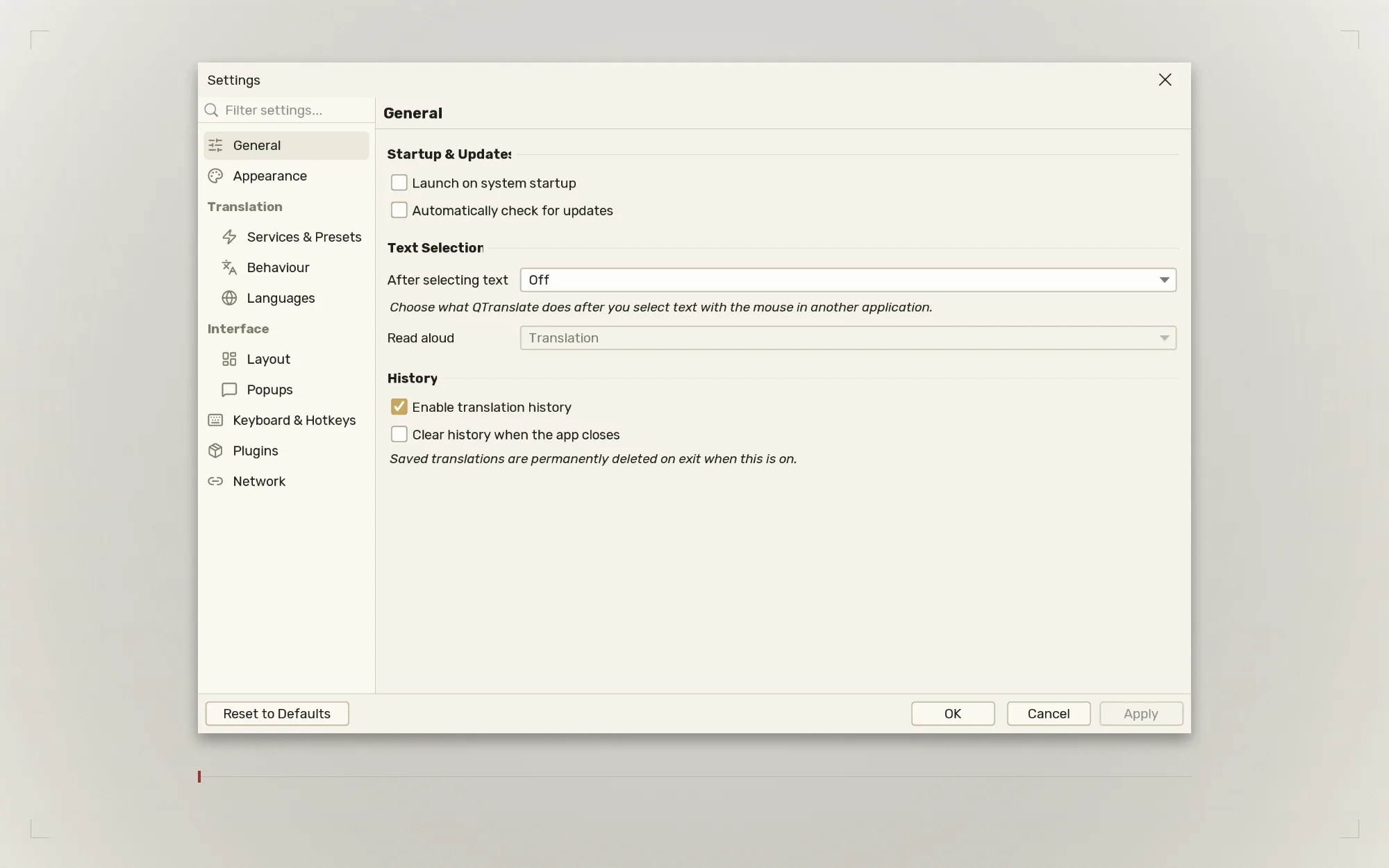
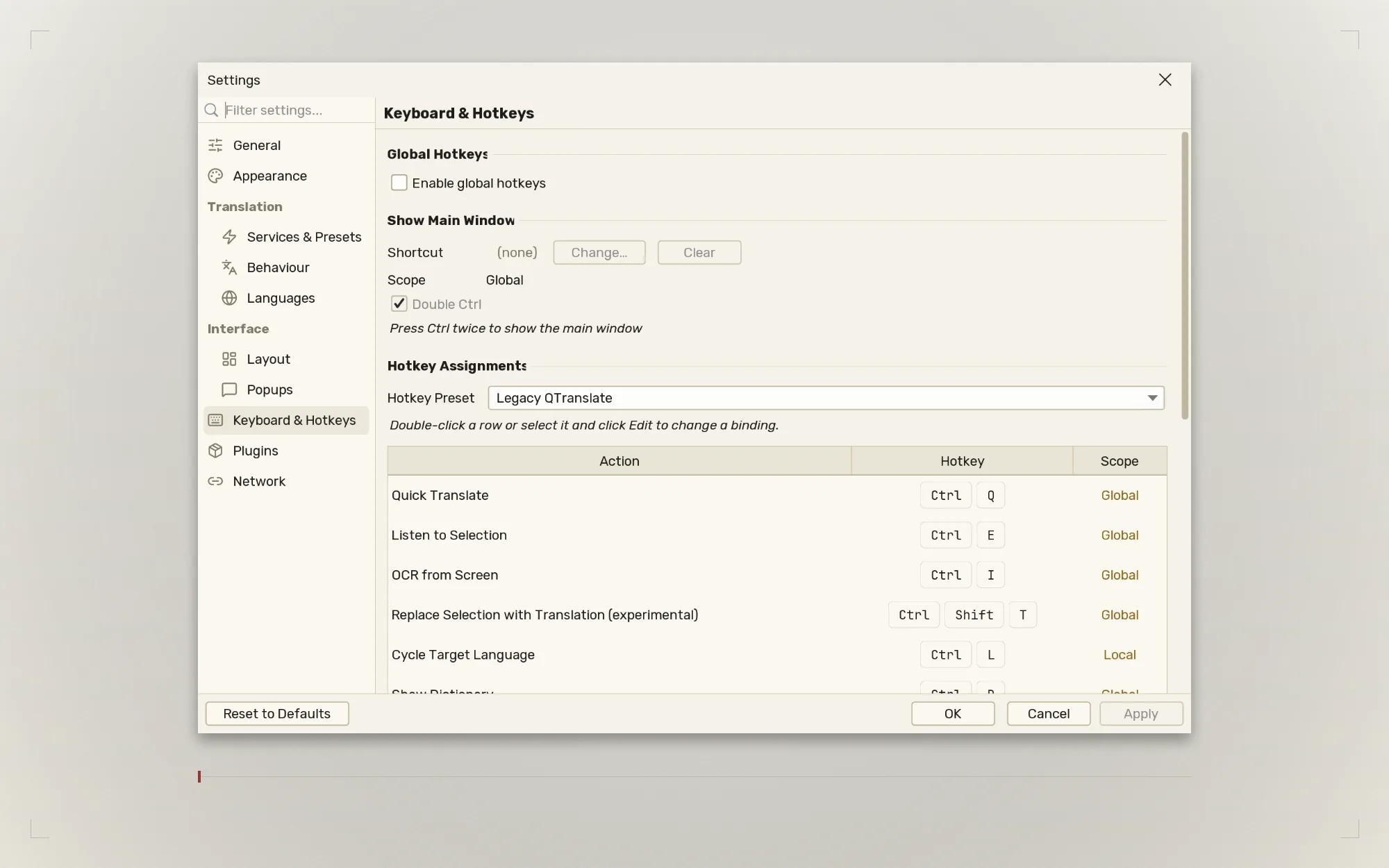
Hotkey presets switch between Legacy QTranslate and Modern bindings, or use your own.
A window pin keeps QTranslate on top while you work.
Image search gains a provider picker and a full-size viewer with previous and next controls.
More languages bring the interface to 18 bundled locale files.
Java 17+ is required for the portable ZIP and app-only JAR. The Windows package includes its runtime.
Select text in any application and read it translated, in place.
Replace as you go Ctrl+Shift+T
Swaps your selection for the translation, without a round trip.
Screen OCR Ctrl+I
Draw a box over anything on screen. Or drop an image in, or paste
one from the clipboard.
Read it aloud Ctrl+E
Hear the pronunciation of the source or the translation.
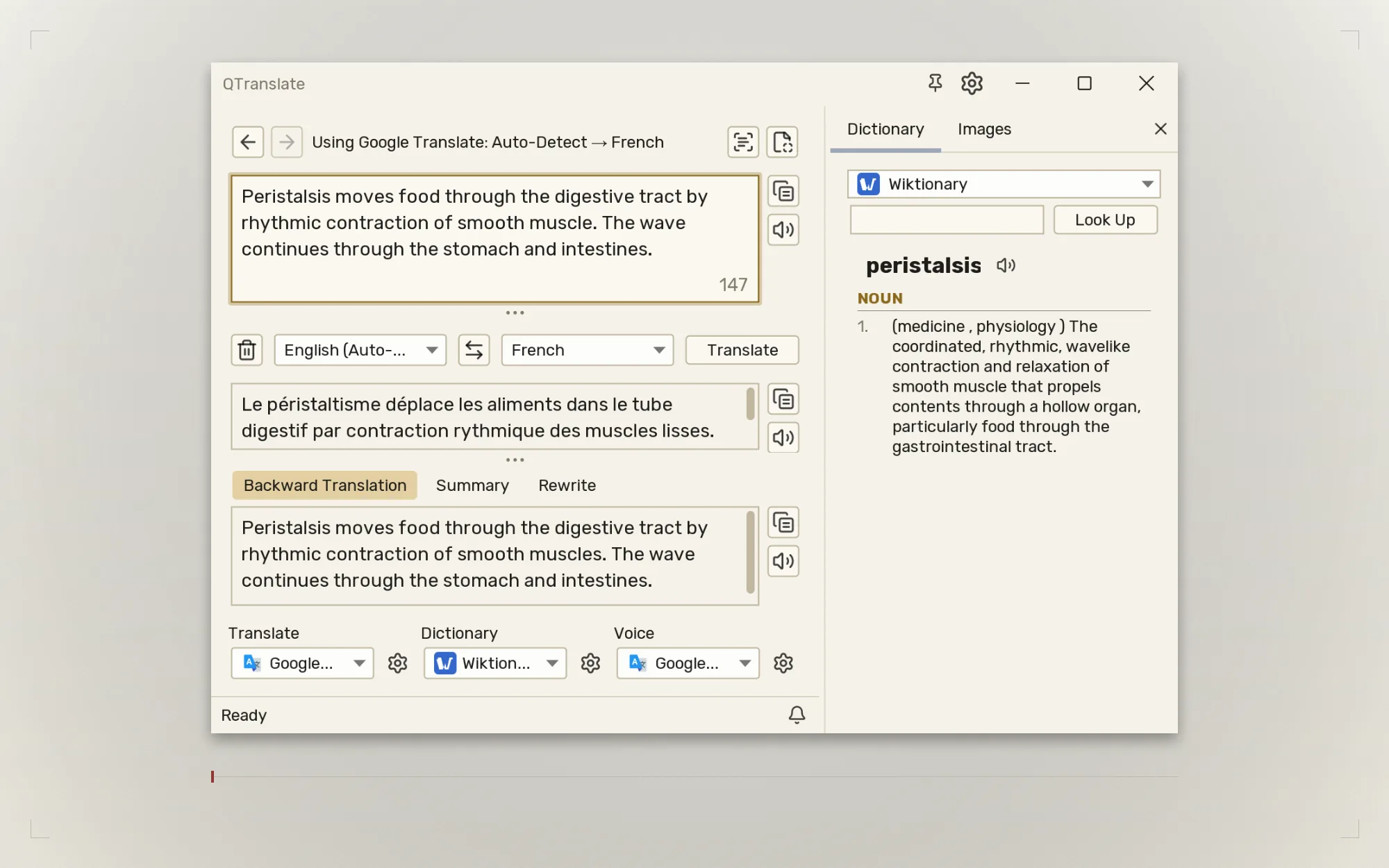
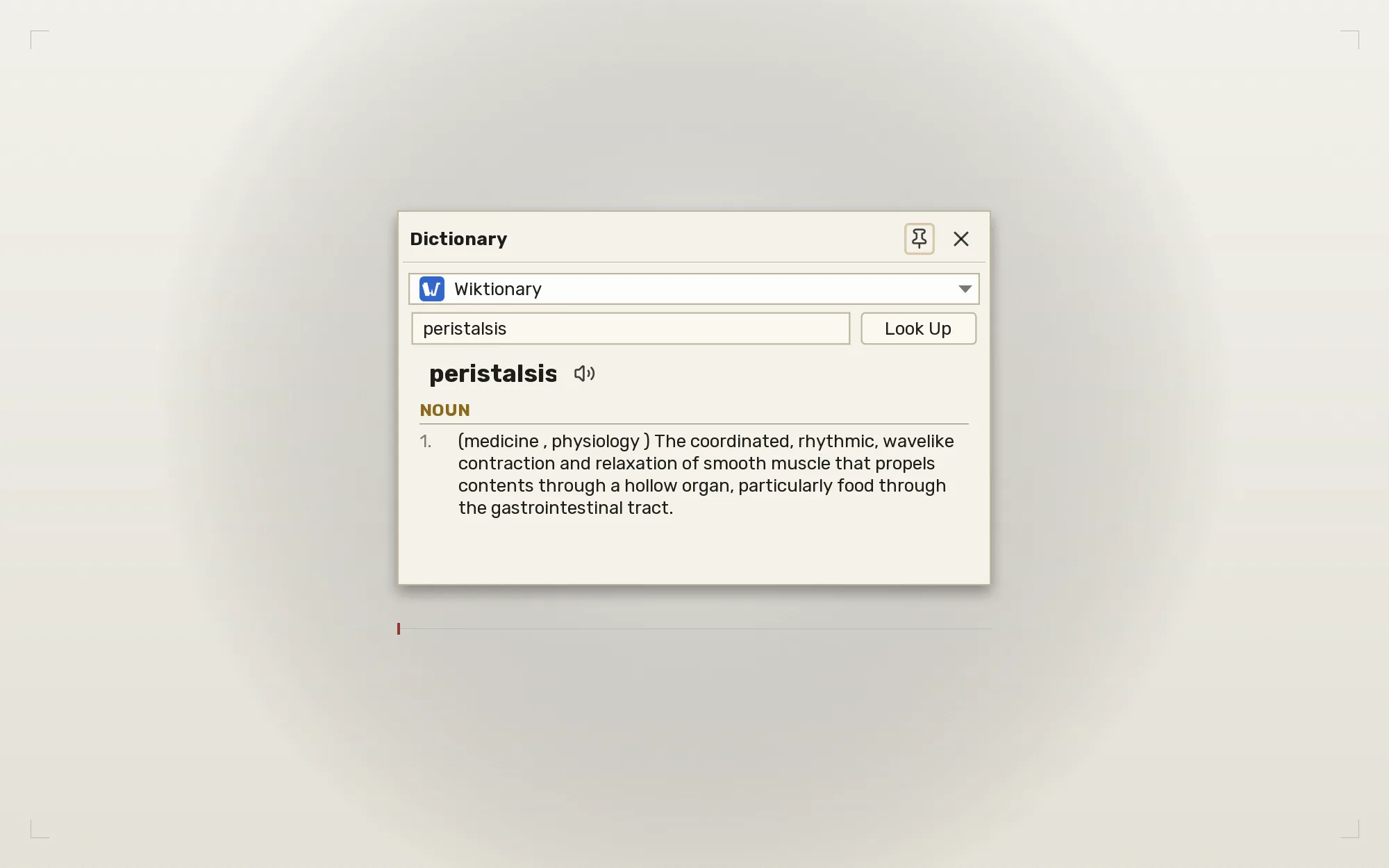
Quick Dictionary Ctrl+D
Definitions for any word without leaving what you were reading.
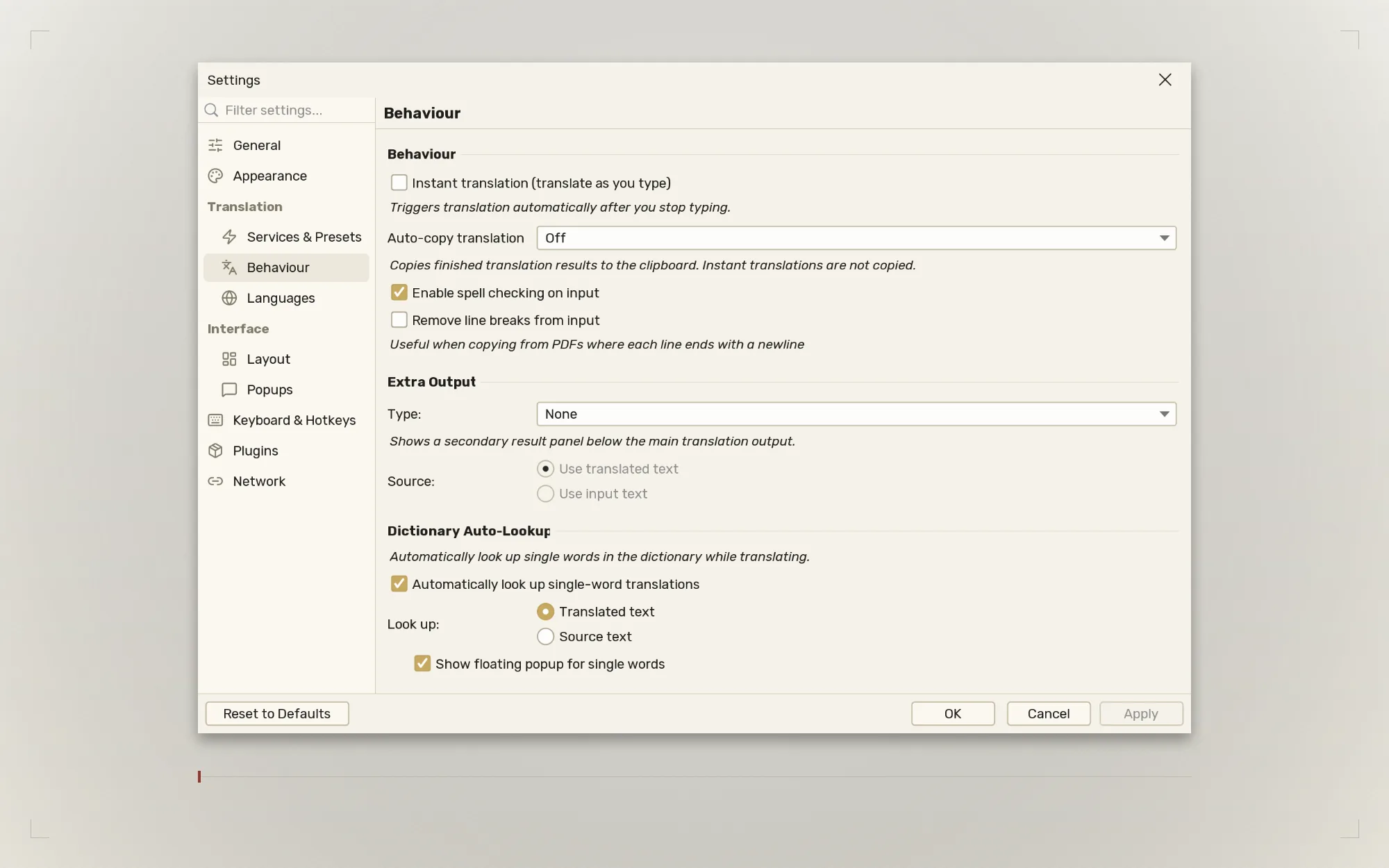
Translate a single word and the definition is simply there.
See the word Ctrl+Shift+Q
Reference pictures from Wikimedia Commons, for the words a
definition does not settle. Diagrams, not stock photography.
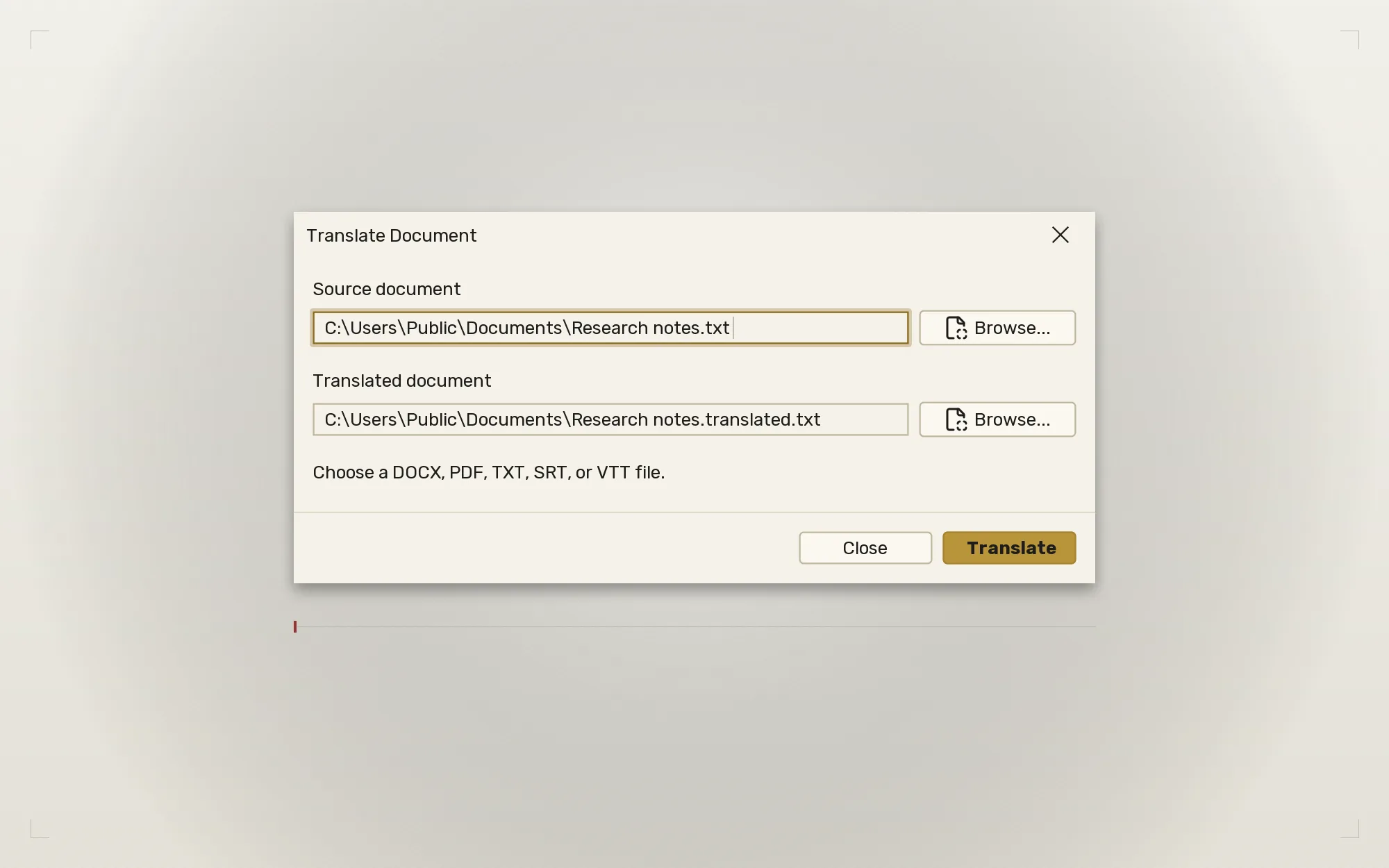
Whole documents
DOCX, PDF, TXT, SRT and VTT. DOCX structure and subtitle timing
are preserved; PDF layout is best effort.
Summarize & rewrite
Shorten a passage, or recast it formal, casual or simplified.
Backward translation
Translate the result back to spot phrasing that has drifted.
Spell checking
Live suggestions as you type, before you translate.
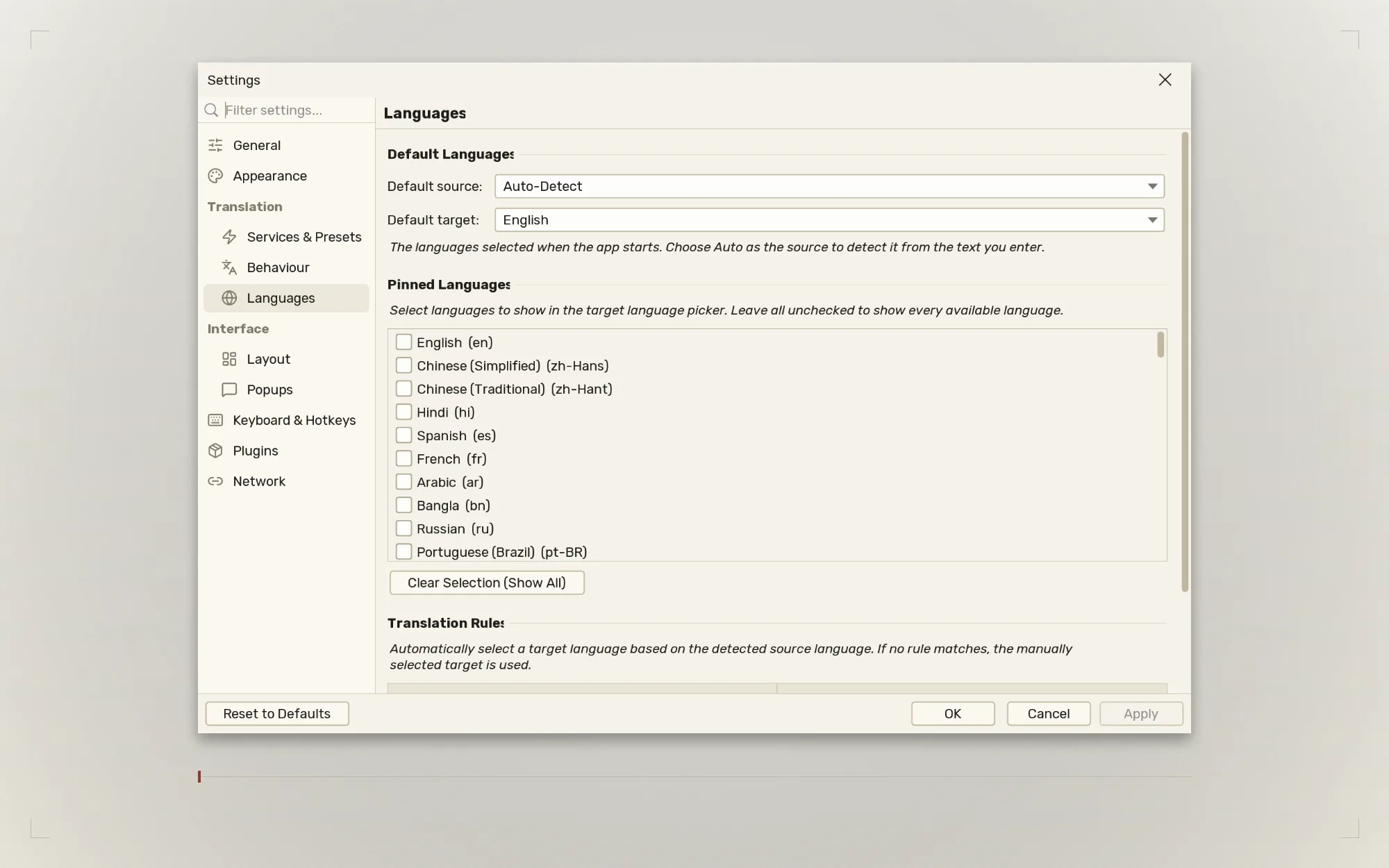
Translation rules
Pick the target language automatically from the language detected.
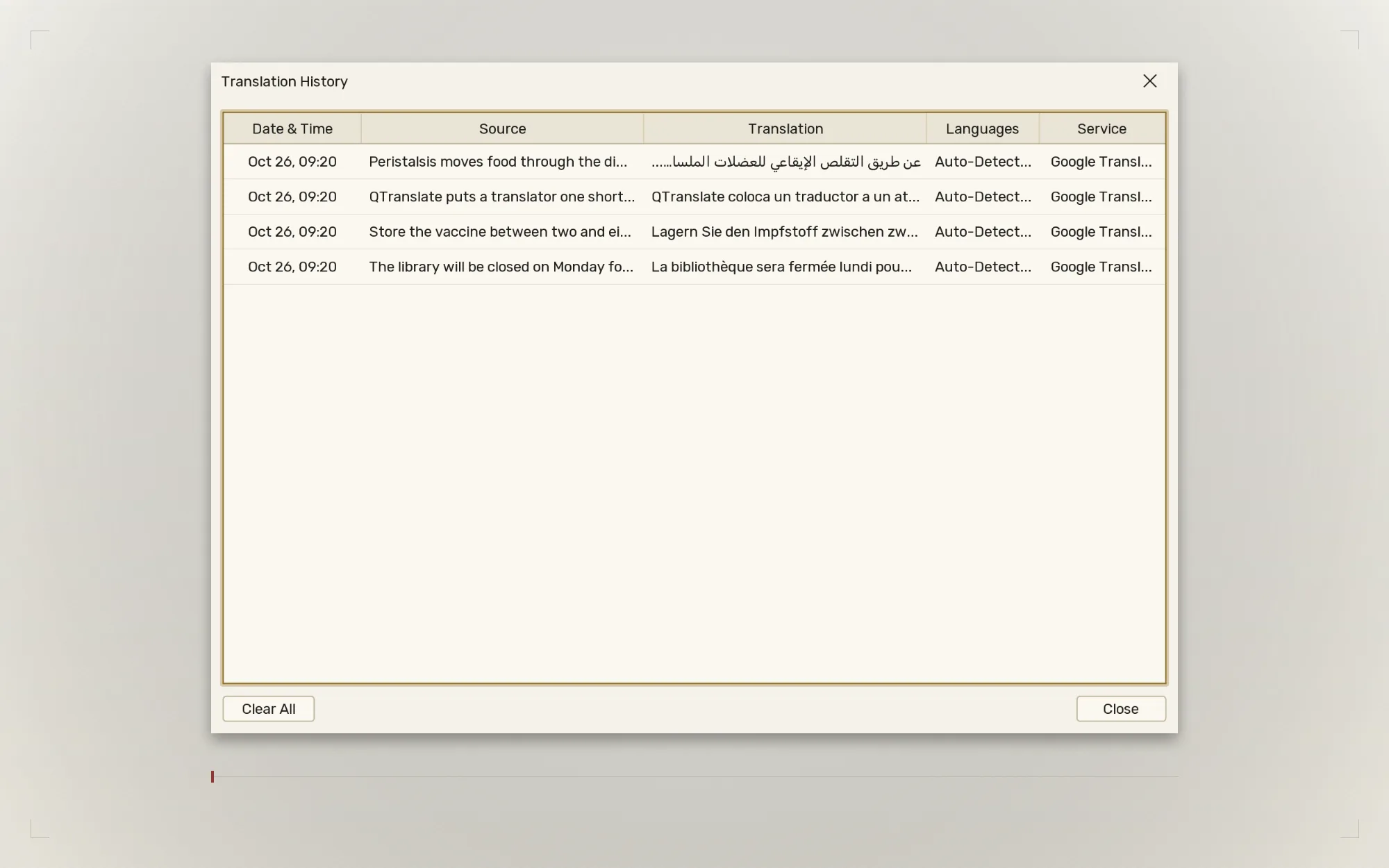
History you can search
Every translation kept, browsable, and restorable in a click.
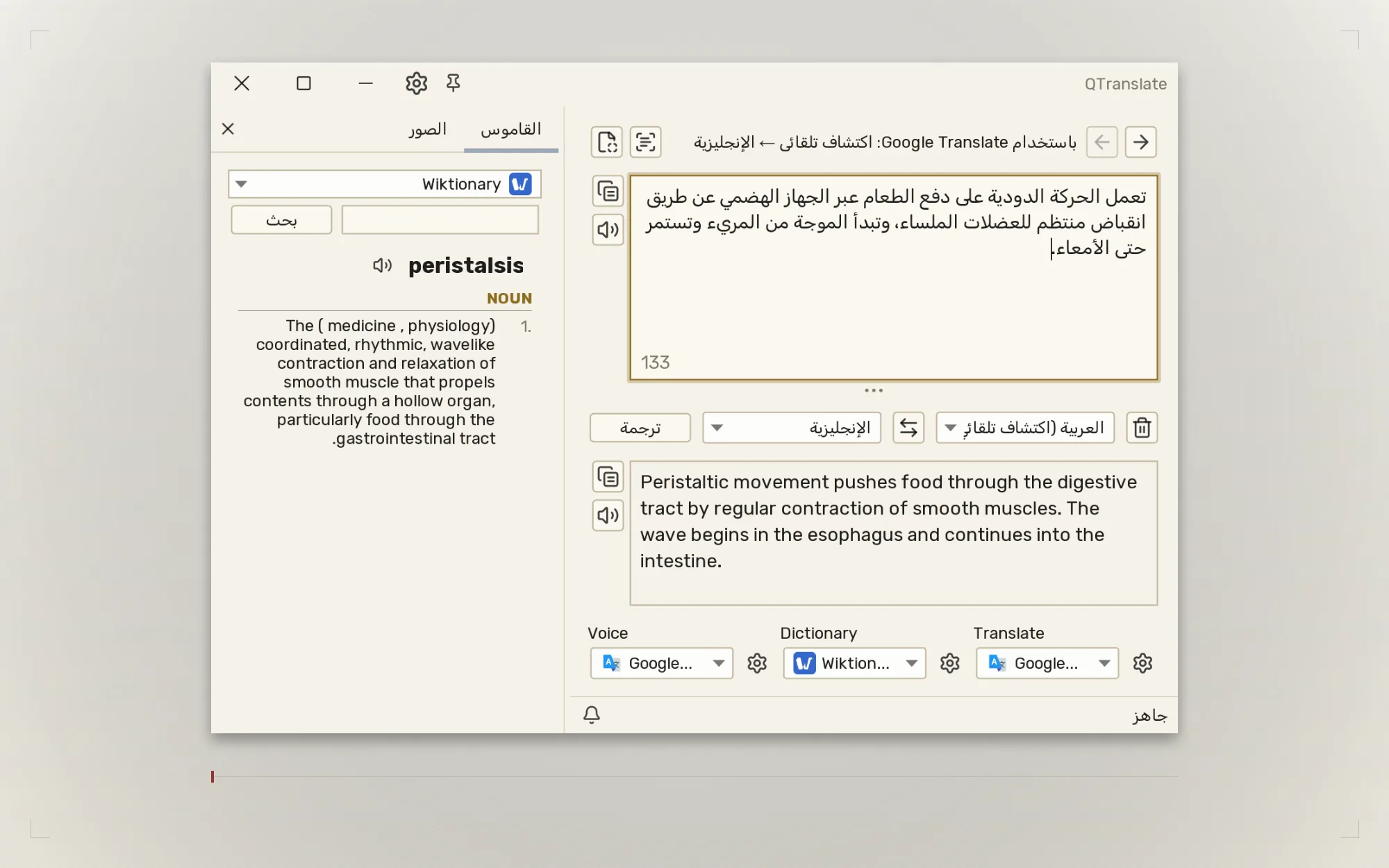
Right-to-left, properly
The whole window mirrors for Arabic, Hebrew and Farsi — not just
the text.
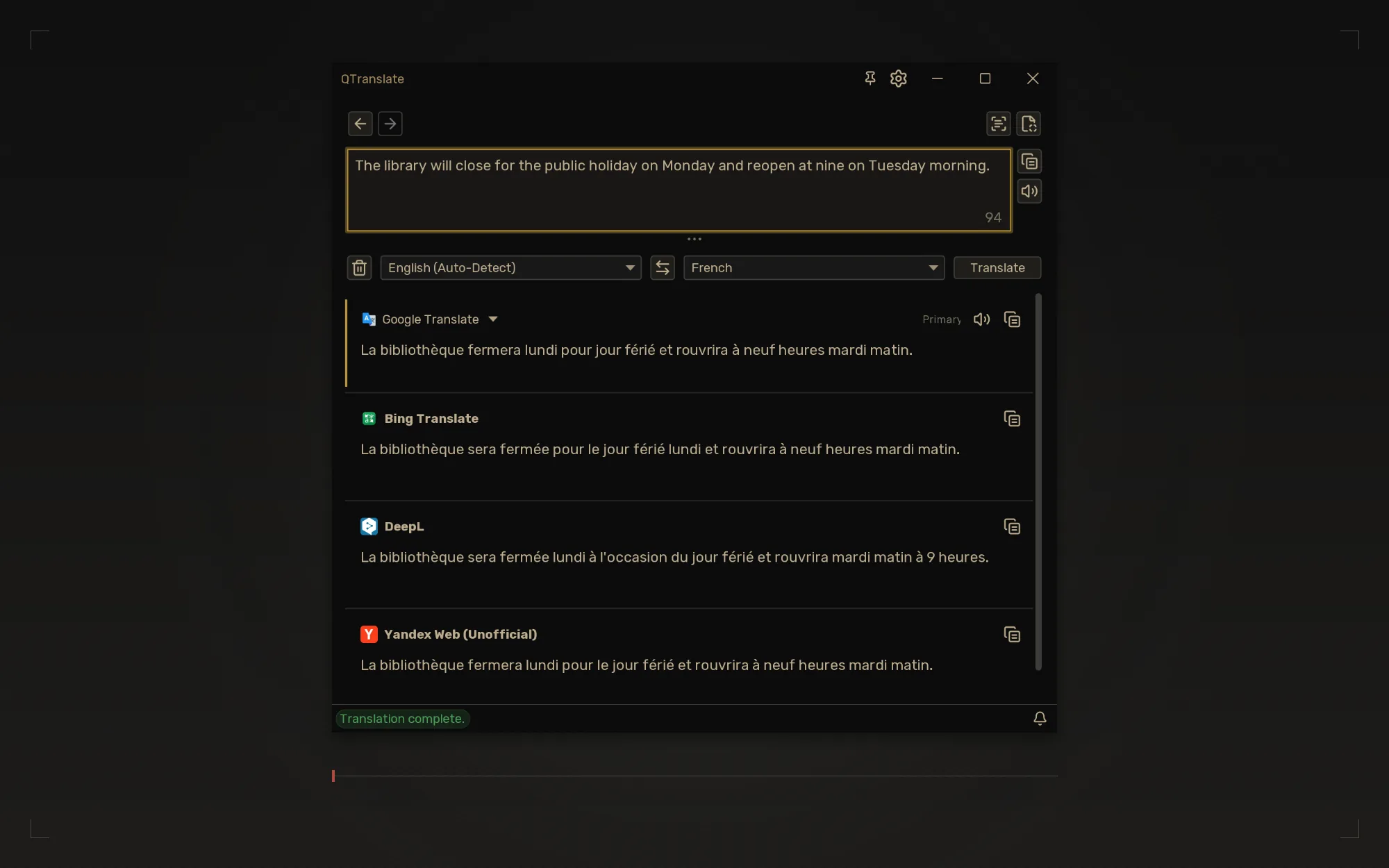
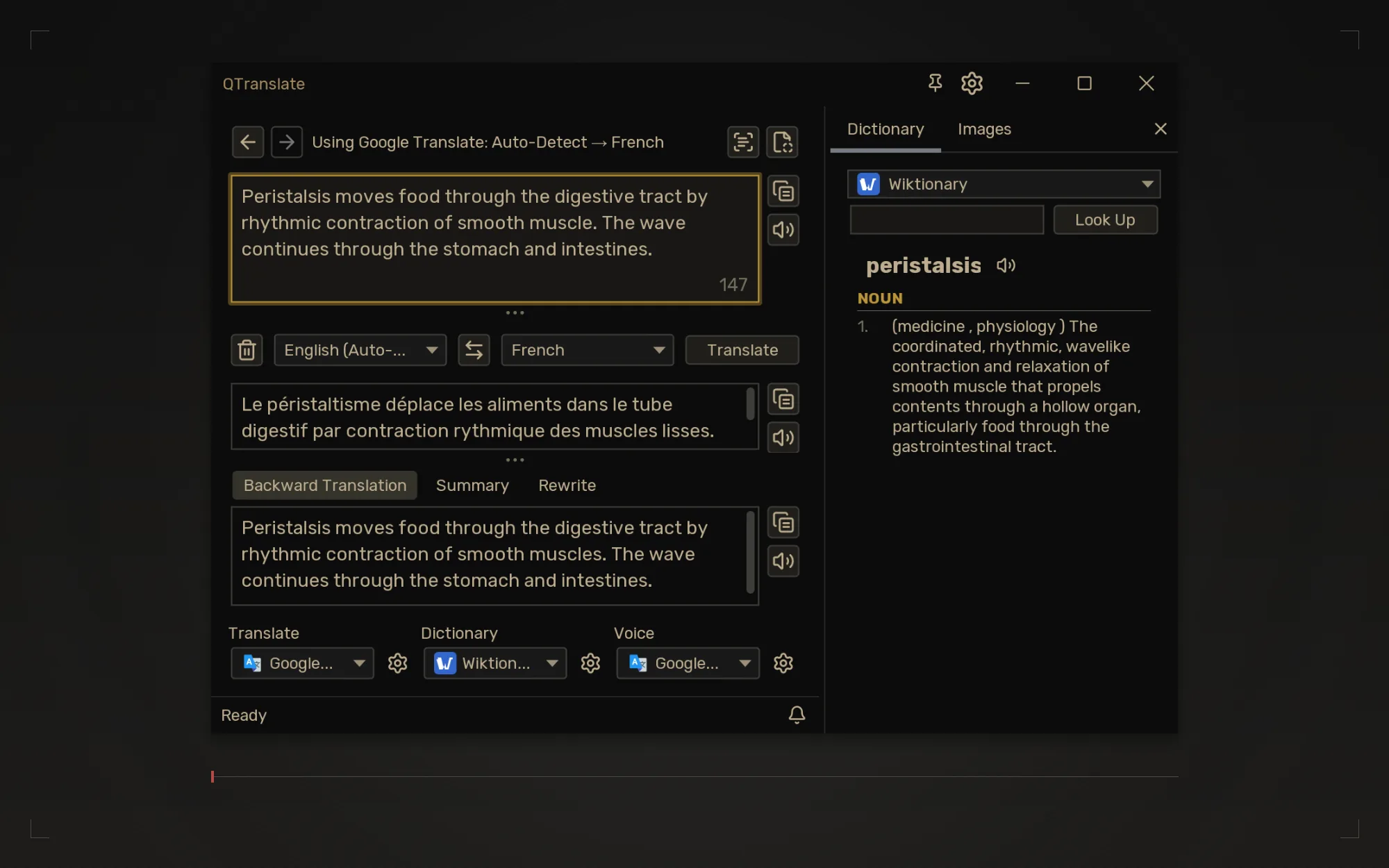
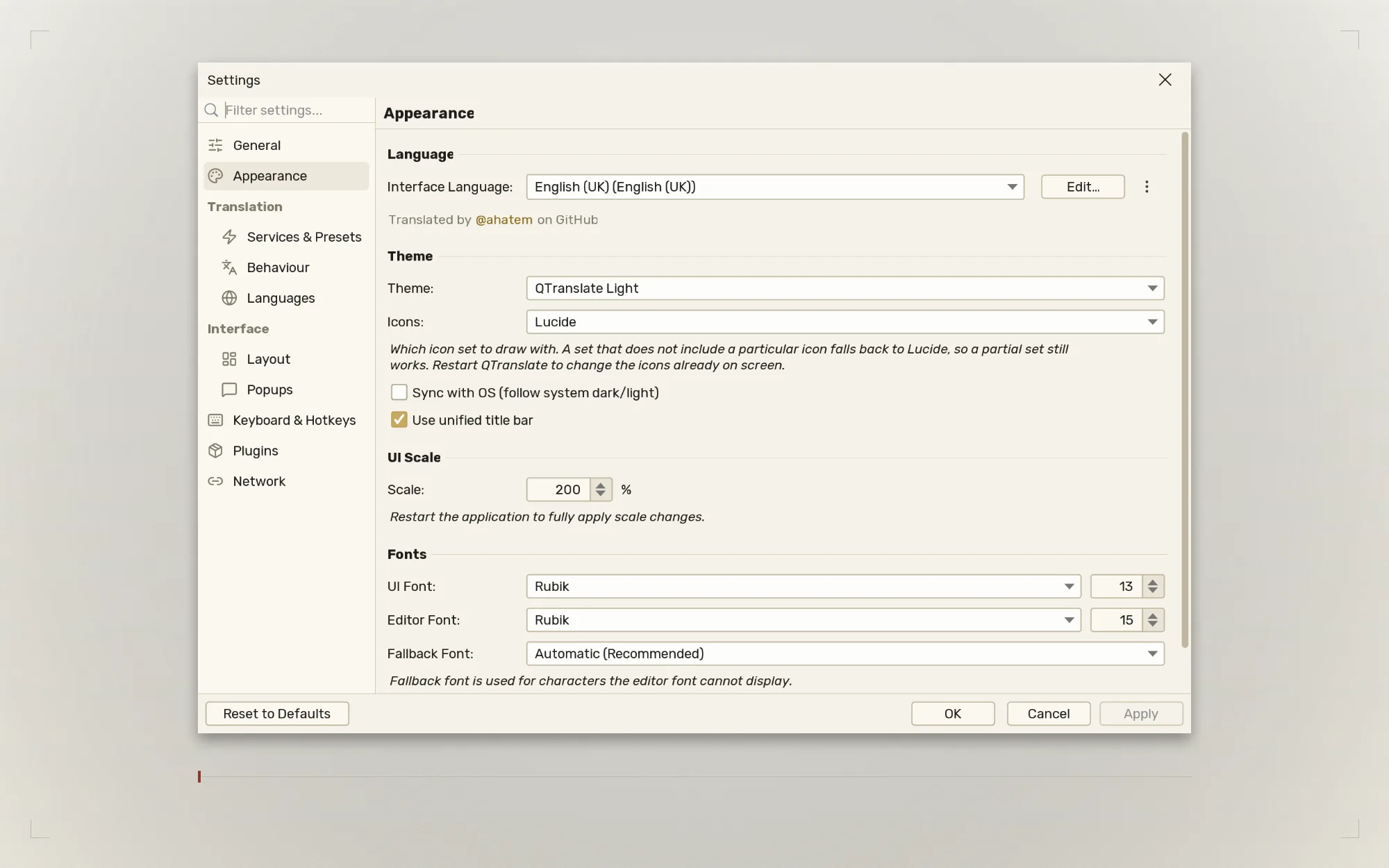
Three layouts, 30+ themes
Classic, Side by Side, or Comparison. Themes follow your system
light and dark, and five icon sets change how the whole interface is
drawn.
Every key rebindable
Switch between Legacy QTranslate and Modern presets, or customize
every binding as a global or app-only shortcut.
Private, local AI
Point it at Ollama or LM Studio and nothing leaves your machine.
No account, no API key, no per-word cost. For anything under an
NDA.
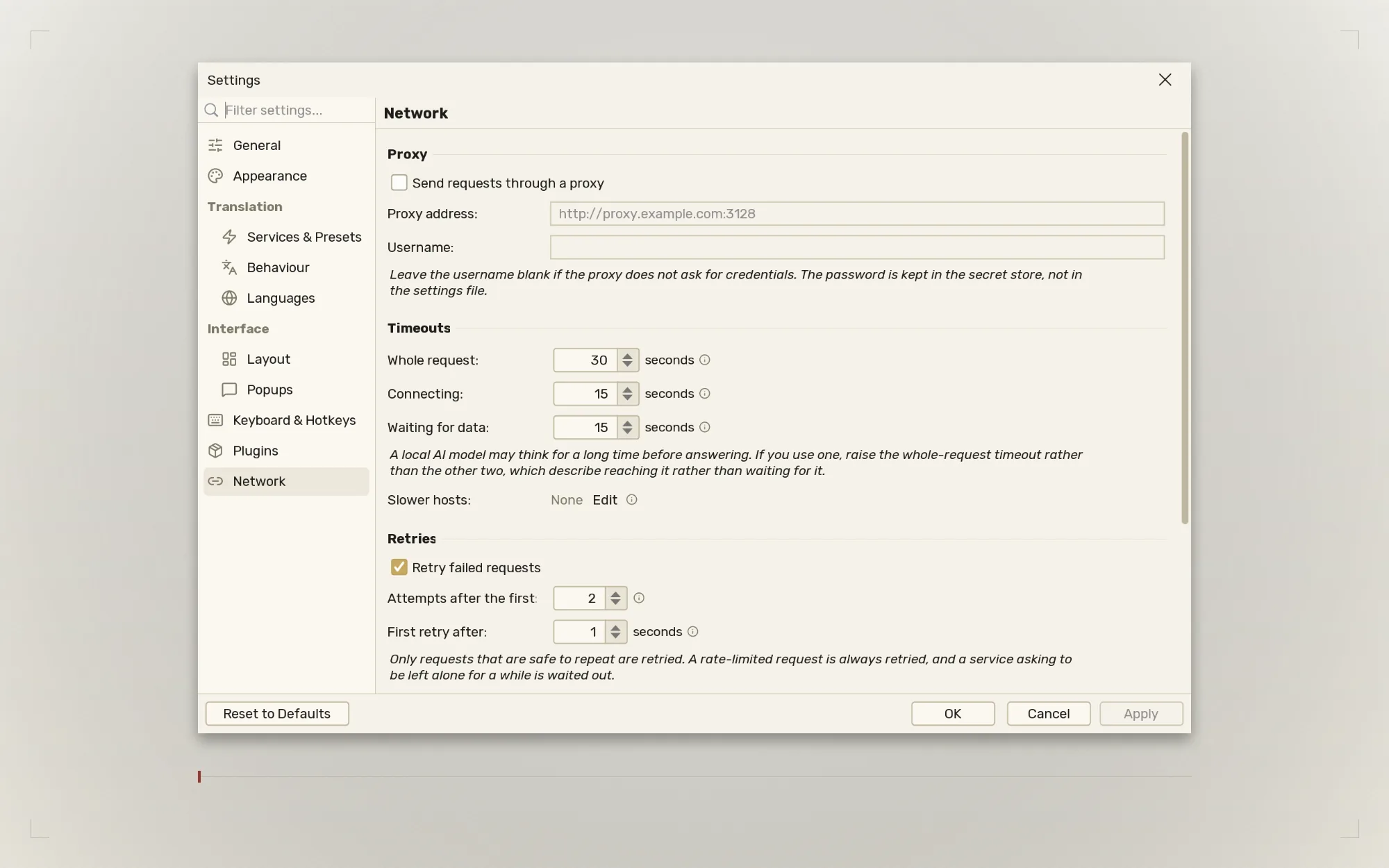
Your network, your rules
An HTTP proxy with credentials, timeouts you set yourself, and a
cap on how much any one service may open. In one place, not once
per plugin.
Translate the app itself
A built-in editor lists every string with its English beside
yours, shows what is still missing, and can draft a suggestion for
you to correct. Translators are credited by name.
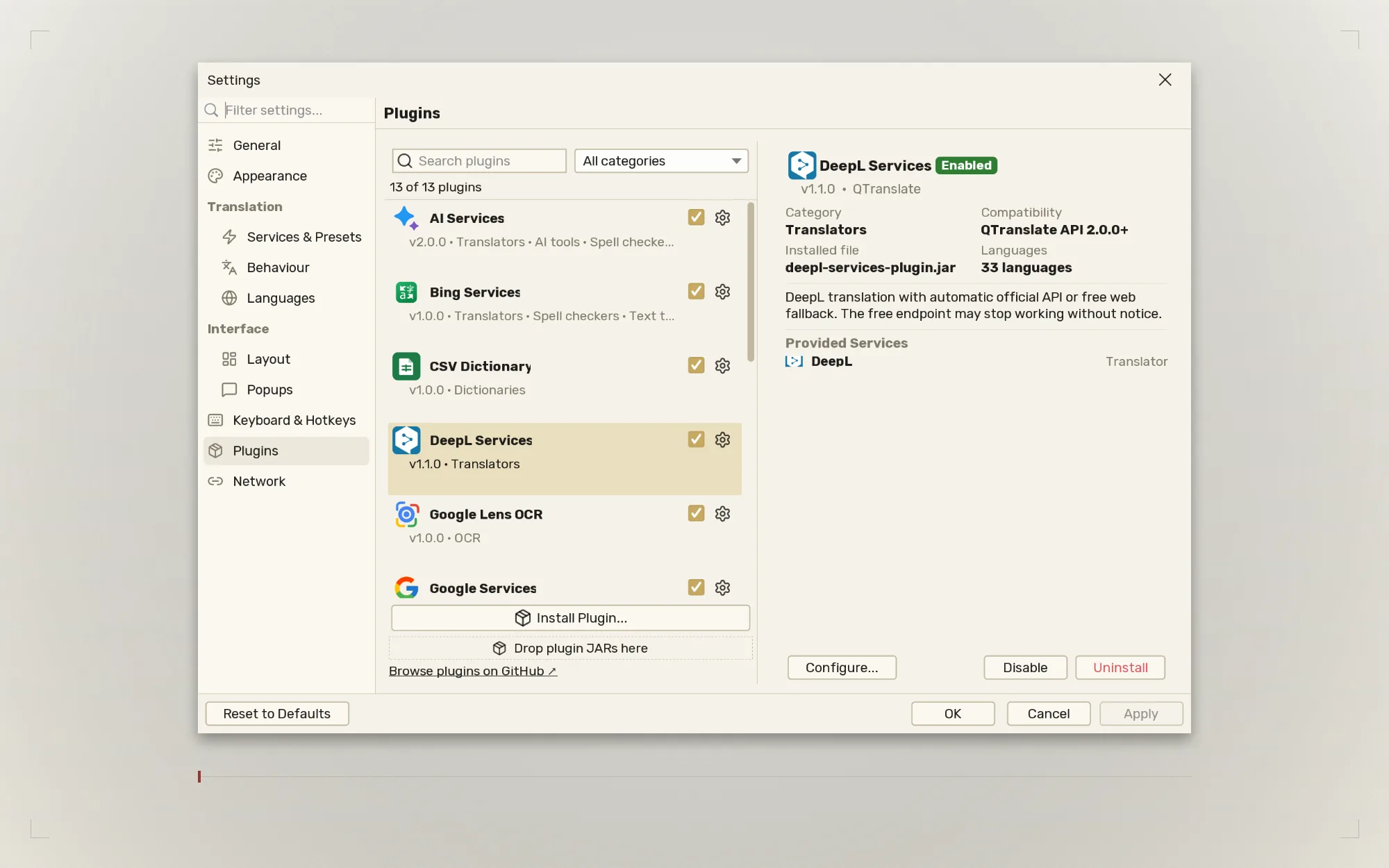
Plugins
QTranslate uses a plugin system — translation engines, OCR, TTS, and
spell checkers are all separate .jar files installed at
runtime. When a service breaks or changes its API, you swap the plugin
without reinstalling the app.
Twelve plugins are bundled with 1.5.0. Some providers need an API key or your own server:
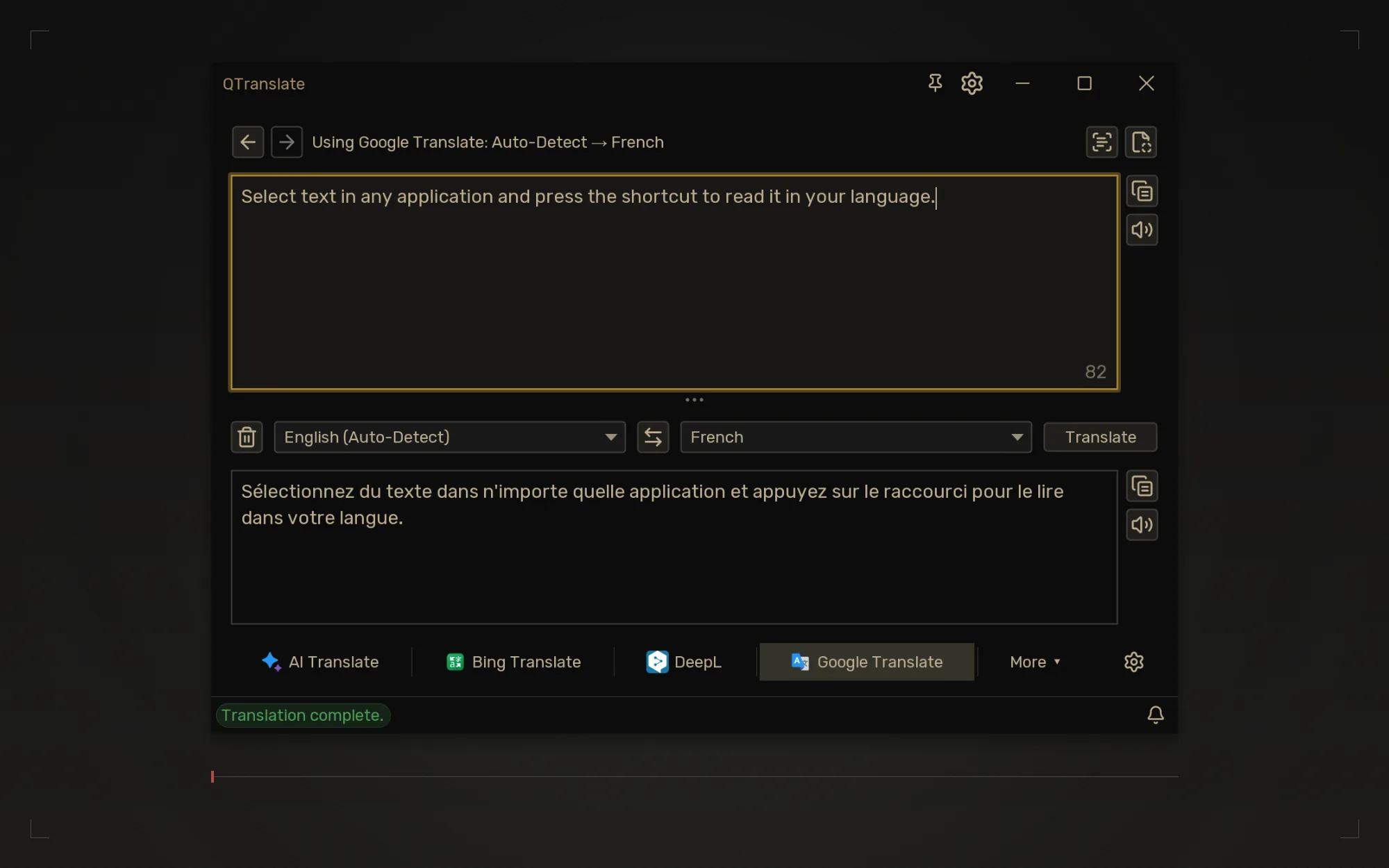
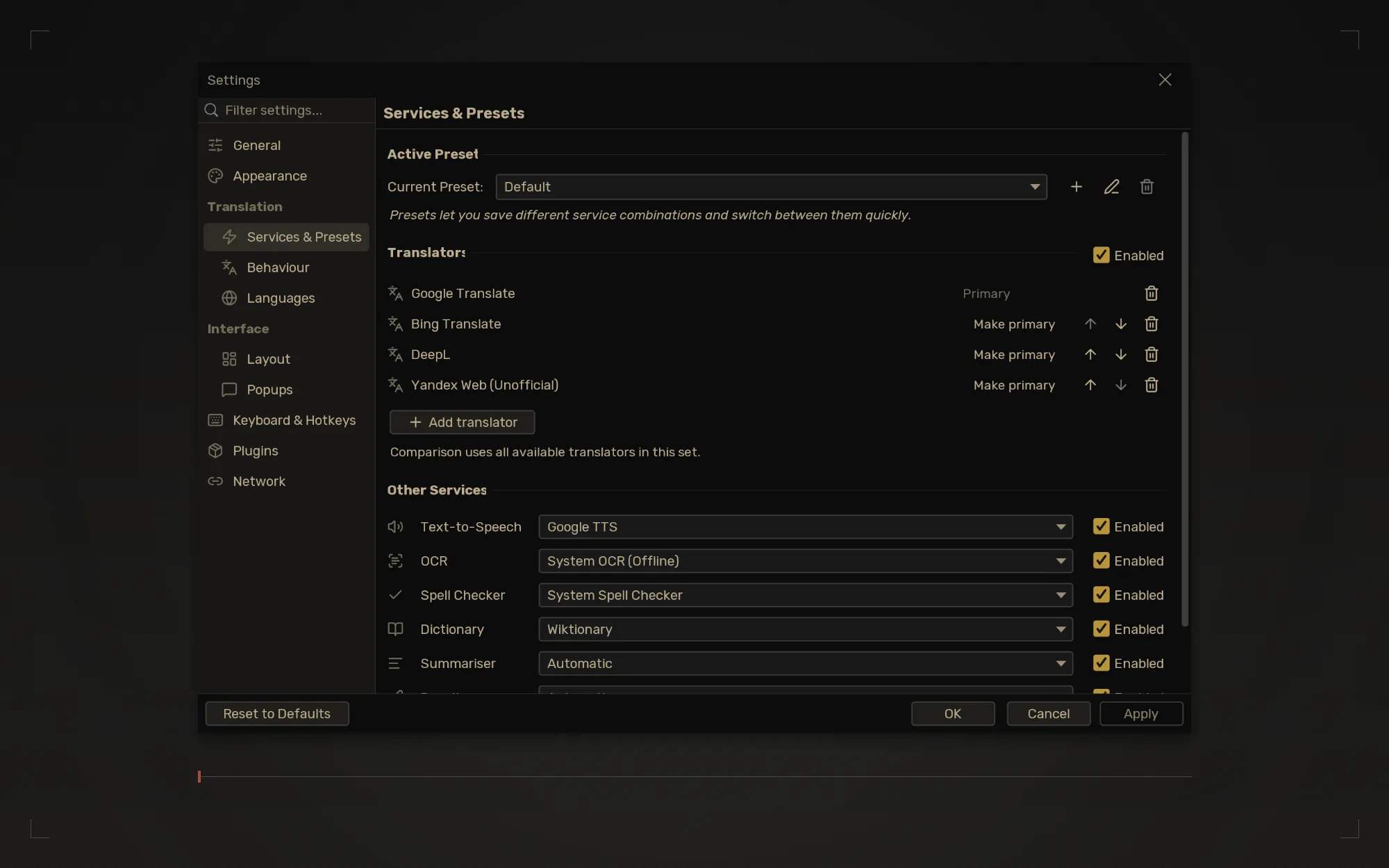
Real application captures at twice the size for sharp detail. The gallery
follows the site theme: every shot is captured in both themes, so the
gallery you see is the same set either way.
Download the Windows build above and unzip it anywhere.
Run QTranslate.exe. Nothing else to install — the
Java runtime is inside.
macOS & Linux
Install Java 17 or later if you do not have it —
Adoptium
is the usual source.
Download the portable zip above and unzip it anywhere.
Run QTranslate.jar, or from a terminal:
java -jar QTranslate.jar
The app starts in the system tray. The portable zip carries every
bundled plugin, the language files and the themes — nothing is written
outside its own folder, so it travels on a USB stick.
Getting "this application requires a Java Runtime Environment"? This
video walks through installing Java and setting JAVA_HOME —
the first 7 minutes cover everything.
Releases
All new releases are published on
GitHub Releases. Versioning restarts from 1.0.0 with the open-source release — the
old versions below were pre-open-source and are kept here for
reference only.
System Services. Offline OCR, speech, and spell checking through your computer's own engines; Windows and macOS include them, while Linux uses installed tools.
Comparison layout. See results from an ordered set of translators together, alongside Classic and Side by Side.
Hotkey presets and window pin. Choose Legacy QTranslate or Modern bindings and keep the main window above other windows when needed.
More languages. Indonesian, Ukrainian, Traditional Chinese, and Korean bring the interface to 18 bundled locale files.
Improved
The Classic selector keeps the active translator visible and places extra services under More. Image Search adds a provider picker and a full-size viewer.
The portable ZIP and app-only JAR require Java 17+. The Windows build includes Java. Project source now uses MPL 2.0.
The update dialog offered a plugin, not the
application.
Releases now match assets by name instead of taking the
first one — which was always a bundled plugin. Windows users
are offered the self-contained package, everyone else the
portable archive, and the bare application JAR is the last
resort. A release that does not resolve opens the release
page rather than guessing wrong
The icon sets and license notices made it into the
downloads.
The portable ZIP and Windows package now ship Material
Symbols, Tabler, Phosphor and Heroicons — plus the license
for every bundled font, icon set and theme — beside the
languages and themes folders
Improved
The application icon is now a multi-resolution
set
— 16 to 1024 pixel renditions in one set, drawn by the
window and tray at a native size instead of scaling a single
small copy up
A translation editor. Translate the app
itself without leaving it: every string with its English
beside yours, a filter for what is missing, and a draft
suggestion you can correct. Translators are credited by
name, and Settings says how complete each language is
Network settings. An HTTP proxy with
credentials kept in the secret store, timeouts for the whole
request and for each stage, a longer timeout for one
particular service, configurable retries, and a cap on
connections per service
Image searchCtrl+Shift+Q.
Reference pictures from Wikimedia Commons for the words a
definition does not settle, filtered to diagrams or
photographs
A short definition under single-word translations, in the popup and the main window, with no click and no
toggle
A local, private AI setup. Point AI
Services at Ollama or LM Studio and nothing leaves your
machine: no account, no API key, no per-word cost
CSV Dictionary plugin. Look terms up in
your own CSV: a glossary, an abbreviation list, error codes,
study mnemonics
Five icon sets. Lucide, Material Symbols,
Phosphor, Tabler and Heroicons, or a folder of your own SVGs
Search the settings. Find any setting by
name, by its section, or by a word that appears only in its
explanation
Vietnamese, contributed by the community,
plus improvements to Turkish, Hungarian and Italian
Improved
Plugin API v2. What a service is for now
follows from the interfaces it implements, settings are
typed and scoped per plugin, credentials live in their own
store, and plugins are handed an HTTP client by the app.
Plugins built against v1 must be rebuilt; existing service
selections convert automatically
Settings reorganised into two groups rather than eight flat
pages, and the Quick Translate popup can change languages
and be driven entirely from the keyboard
API keys moved out of the plugin settings file into a
separate credential store
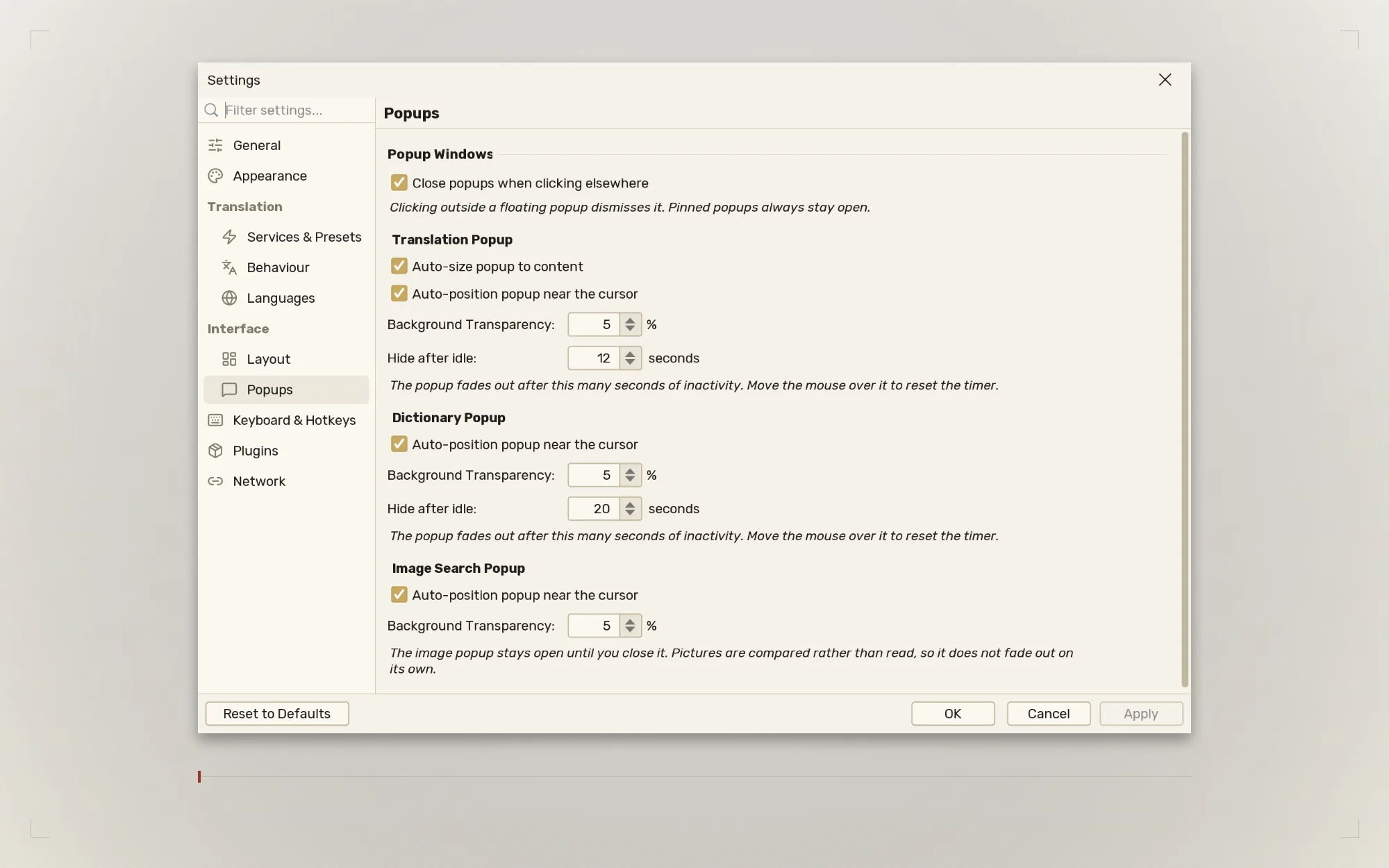
Popup auto-hide raised from 3 seconds to 12, and definitions
from 8 to 20, neither of which was long enough to read
Plugins can ship their own translations, so plugin text is
no longer English-only
Fixed
QTranslate now renders at the display's scale. On a 150% or
200% screen it had been drawing scaled icons around unscaled
text and opening at half the size its contents needed
The interface no longer grows by a further 25% on every
theme or font change
Translation requests are no longer sent twice when a service
fails mid-request, which could mean paying twice for one
attempt
The Arabic interface lays out correctly, including the
Settings dialog and the docked dictionary
Choosing English as the interface language now survives a
restart
Unreadable settings are copied aside and reported instead of
being silently replaced by defaults
A translation containing an ordinary percent sign could take
down the window that showed it
Windows on a display left of or above the main one no longer
fail when their position is saved, and a window saved on a
monitor that is no longer attached comes back into view
AI Services via OpenRouter — 300+ models
(GPT-4o, Claude, Gemini, Llama…) for translation, summarize,
rewrite, spell check, dictionary, and vision OCR — one API
key covers everything
Quick Dictionary — press
Ctrl+D on any word for an instant floating lookup
Translation History dialog — browse all
past translations and restore any entry with one click
For bugs and feature requests, please use
GitHub Issues. For everything else — feedback, plugin ideas, questions — email
buzz.webra@gmail.com
or reach out on
WhatsApp.